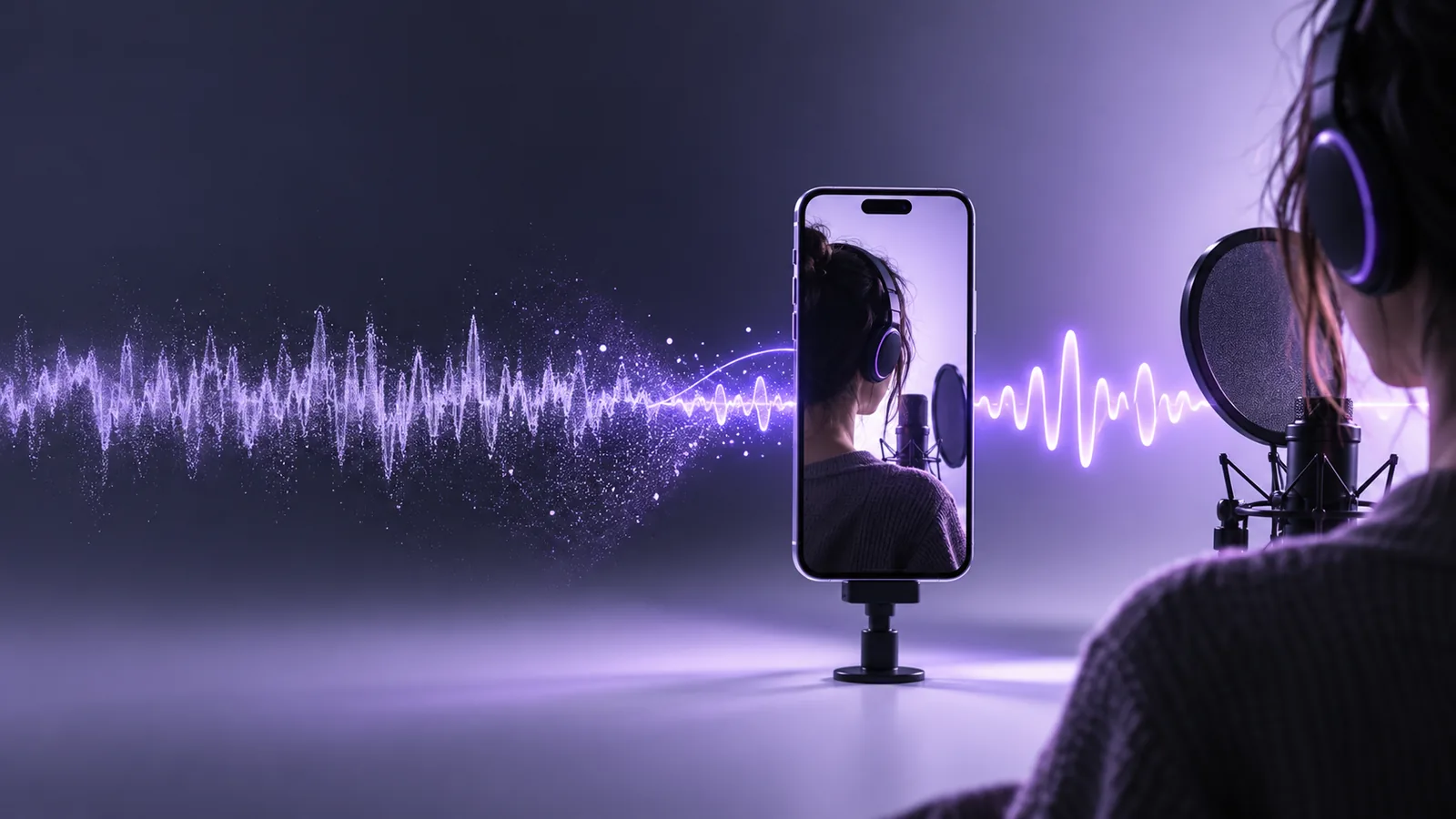
Voice cleanup explained

What is voice cleaner online, and when is it useful?

If you are asking what is voice cleaner online, think of a voice cleaner as a way to make recorded speech easier to hear by reducing some unwanted sounds. The result depends on the recording: cleanup can improve clarity, but it cannot recover every word hidden by noise.

Voice recording imagery for Voicecleaner

A one-line definition

An online voice cleaner processes a recording to make speech more distinct from sounds such as steady hum, room noise, or background activity. It changes the audio you captured; it does not recreate an ideal recording from scratch.

How it works

The basic workflow is to start with recorded speech, apply cleanup, then listen critically. The exact processing varies by tool, so treat the comparison with your original as the test of whether a voice cleaner helped.

  1. 1

    Start with the original recording

    Keep an untouched copy before making changes. Listen for the actual problem: a low hum, traffic, other voices, echo, or speech recorded too quietly. Naming the problem helps you judge whether an online voice cleaner is addressing it rather than simply making everything sound different.

  2. 2

    Separate speech from unwanted sound

    A voice cleaner generally tries to preserve speech while reducing sound it identifies as interference. Different noises overlap with the voice in different ways, so a steady fan may be easier to reduce than a second person speaking at the same time. Processing may also alter the speaker’s tone.

  3. 3

    Compare and keep the better version

    Play the processed clip and the original at a similar volume. Check quiet words, consonants, breaths, and the spaces between sentences. If cleanup makes speech thin, metallic, or harder to understand, use less processing or keep the original rather than assuming the processed version is better.

What it can and cannot do

A voice cleaner can make an existing recording more listenable when unwanted sound is separable from speech. It cannot reliably restore words that were never captured clearly, and heavy processing can introduce audible artifacts.

Podcast host

A spoken introduction has a steady air-conditioner hum. A voice cleaner may reduce the hum while leaving the host’s words recognizable.

If the hum masks soft consonants, compare the result with the original before using it. The voice cleaner for background noise guide explains why the noise type matters.

voice cleaner for background noise

Phone interviewer

An interview recorded on a phone includes traffic between answers. Cleanup may make pauses less distracting.

It cannot guarantee recovery of an answer covered by a passing vehicle. The voice cleaner for iphone page focuses on evaluating phone recordings.

voice cleaner for iphone

Video creator

A presenter’s narration has room sound that competes with the voice. Comparing before and after can reveal whether processing improves intelligibility.

The voice cleaner tutorial free page walks through a repeatable comparison instead of relying on volume alone.

voice cleaner tutorial free

Remote meeting participant

A saved meeting clip contains keyboard taps alongside speech. A voice cleaner may soften some distractions.

Overlapping speakers and clipped microphone audio remain difficult to repair. The voice cleaner alternative page helps frame what to compare when one approach is not working.

voice cleaner alternative

Who uses it

Make a recording easier to follow

Podcasters, interviewers, video creators, and people sharing spoken notes use voice cleanup when a recording matters but the environment was not quiet. Voicecleaner offers a path to explore cleanup; keep your source recording and judge the processed speech by listening, especially where words were already faint.

Explore voice cleanup
  • Start with the clearest recording available
  • Compare speech at similar listening levels
  • Keep the original if processing removes detail

Frequently asked questions

An online voice cleaner processes recorded audio with the aim of making speech easier to hear against unwanted sound. Results depend on the recording and the kind of interference present. Listen to the output rather than assuming every change is an improvement.

They are related ideas, but the context matters. Voice cleanup works on a recording, while noise cancellation can also describe reducing sound during listening or capture. A voice cleaner should be judged by whether the spoken words remain clear.

No. Some background sound overlaps with speech so closely that reducing it can also damage the voice. Other speakers, sudden loud sounds, and heavily distorted audio are particularly challenging.

A voice cleaner may make some speech easier to follow, but it cannot guarantee restoration of detail the microphone failed to capture. Raising the volume alone does not restore missing consonants. Compare the original and processed versions for intelligibility, not just loudness.

Listen to both versions at a similar volume, focusing on the hardest-to-hear sentence. Check that words are clearer without new metallic sounds or missing syllables. If the improvement is uncertain, keep the original available.

Clean audio
Clean audio